

Project details
 Adobe Illustrator
 Adobe Photoshop
 Adobe InDesign
 Adobe After Effects
 Adobe Premiere Pro
 Adobe Lightroom
 HTML5
HTML5 JavaScript
- Interactive E-Book DesignDesigned digital textbooks with interactive examples, motion demos, and project files for the courses I taught.
- Instructional DesignWrote lessons and hands-on exercises students could use in class and on their own.
- Editorial DesignBuilt page, type, and cover systems that worked across several creative subjects.
- Educational Motion GraphicsMade short animation and video examples students could pause and replay.
- Learning Experience DesignConnected lessons, demonstrations, and downloads into a course resource students could revisit.
The Learning System
As an instructor at Dixie Technical College, I wrote and designed a set of interactive design e-textbooks for the classes I taught. I built the curriculum, course visuals, media, and class projects together, so the books could help students during a lesson and later when they were working on their own.
The books supported courses across Adobe Illustrator, Photoshop, InDesign, After Effects, Premiere, UI/UX, drawing, composition, graphic design principles, and broader creative problem-solving. They were not meant to be generic software manuals. They were built as practical classroom tools that could support live instruction, hands-on projects, independent review, and different learning styles.
Curriculum Design Challenge
Teaching creative software and design principles in a classroom means balancing a lot at once: tool vocabulary, interface walkthroughs, step-by-step workflows, visual examples, critique language, project expectations, and the underlying design concepts that help students make better decisions after the tutorial ends.
I needed a format that could work across several courses without making every subject look or teach the same way. A student could use a book to follow a live demo, find a missed step, download an assignment file, or review a concept before starting a project.

Interactive Lessons for Different Learning Styles
A page might explain a tool in a few lines, show it in motion, and then break the move into smaller steps. Students could pause or replay a demonstration and compare it with their own work. The interactive books were made for Apple iBooks; HTML5 and JavaScript helped turn some of the examples into things students could use, not only watch.
Project-Based Course Materials
Each book connected to the projects we were making in class. Download links led to the same prompts, assets, and working files used in the assignment, so students could move from a lesson straight into practice instead of hunting through a separate resource folder.
The books complemented lesson plans, lectures, demos, and in-class critique. They helped keep the course structure consistent while giving students a reliable place to return when they needed to review a process, rebuild a step, or catch up outside the classroom.

Visual and Layout System
The visual system used bold course colors, consistent cover framing, repeatable page structures, and a clear information hierarchy. That consistency helped students move between subjects without relearning the format of the material every time they opened a new book.
Inside, the page hierarchy did the quiet work. Instructions, examples, software references, and project notes each had a recognizable place, which made it easier to find a step during a live class or return to it later.


Recognition and Student Outcomes
The curriculum and interactive textbook system were recognized by state education organizations for their innovative approach to adapting design instruction for students. The books also became part of how the school showcased its curriculum and competed through SkillsUSA.
Students used the same project-based learning structure to build competition-ready work, and the results showed up in a meaningful way. That year, I received recognition as an instructor for having more students place first in their SkillsUSA competitions than any other instructor at the event.
Motion and Course Identity
The course covers and animated previews gave the system a stronger sense of identity. Motion helped the books feel closer to the subjects they teach, especially for animation, video, and digital media courses.
The covers and animated previews also gave incoming students a quick look at what each course would cover. They were useful for introducing the material, but the real test was whether the books held up at a desk while someone was learning a tool.
The books became a working part of my classes: a place to demonstrate a process, share the exact files for a project, and give students a reference they could keep using after the lesson ended.
Related Workshop Articles
A closer look at the kind of visual problem-solving these courses were built around, from vector paths to photo compositing.
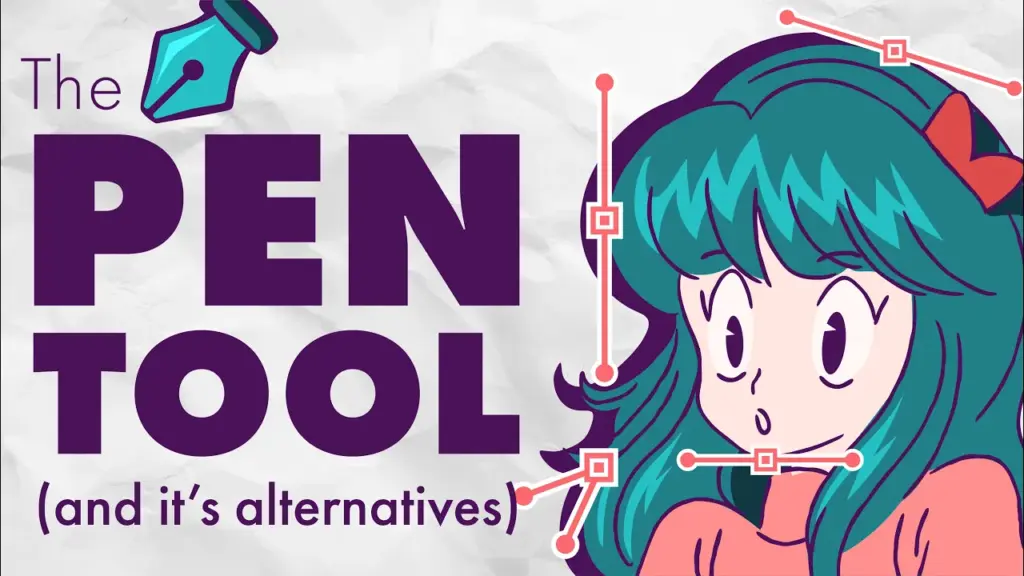 Video + Guide
Illustrator Pen Tool: Lines, Curves, and Anchor Points
Learn Illustrator’s Pen Tool for straight lines, curves, anchor points, and clean shapes, plus when the Curvature or Pencil Tool is easier.
Video + Guide
Illustrator Pen Tool: Lines, Curves, and Anchor Points
Learn Illustrator’s Pen Tool for straight lines, curves, anchor points, and clean shapes, plus when the Curvature or Pencil Tool is easier.
 Video + Guide
Photoshop Compositing: Blend an Object Into a Photo
Place an object into a photo in Photoshop. Mask foreground details with Select and Mask, clean the edge with Levels, and add a water reflection.
Video + Guide
Photoshop Compositing: Blend an Object Into a Photo
Place an object into a photo in Photoshop. Mask foreground details with Select and Mask, clean the edge with Levels, and add a water reflection.