 Video + Guide
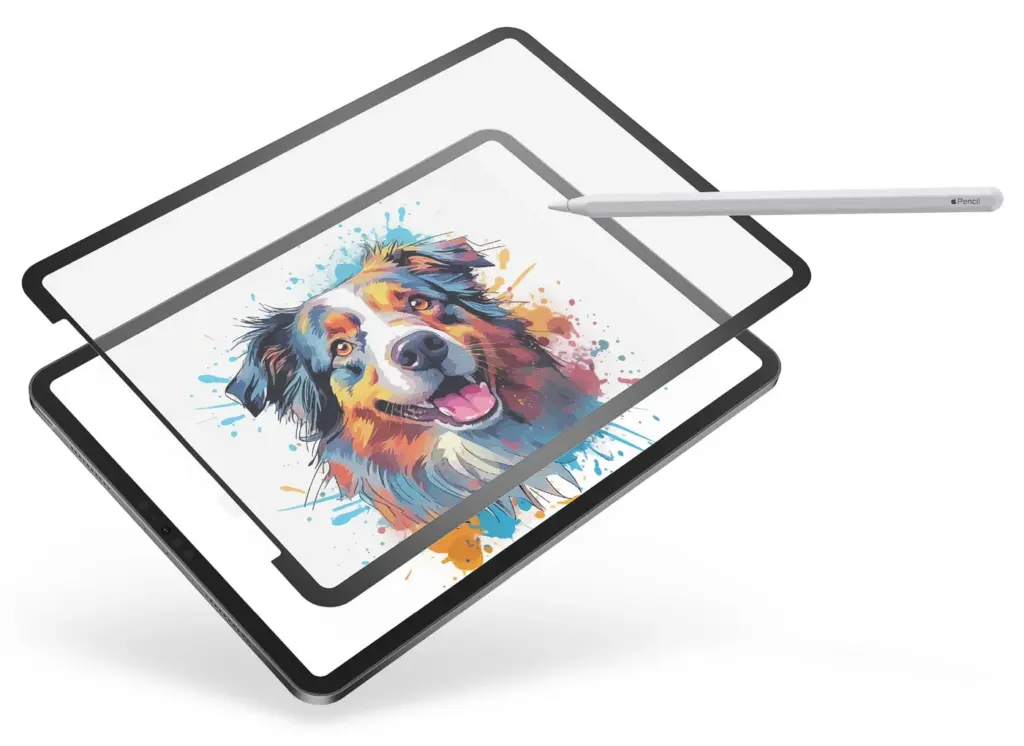
My GhostPaper Air review: a removable paper-feel iPad surface with a fuzzier display. Why I’d use it on my mini but keep a glove for my Pro.

Workshop
Practical tutorials, build logs, and notes from work across design, animation, photography, web, and game development.
Latest
Video + Guide
My GhostPaper Air review: a removable paper-feel iPad surface with a fuzzier display. Why I’d use it on my mini but keep a glove for my Pro.
 Video + Guide
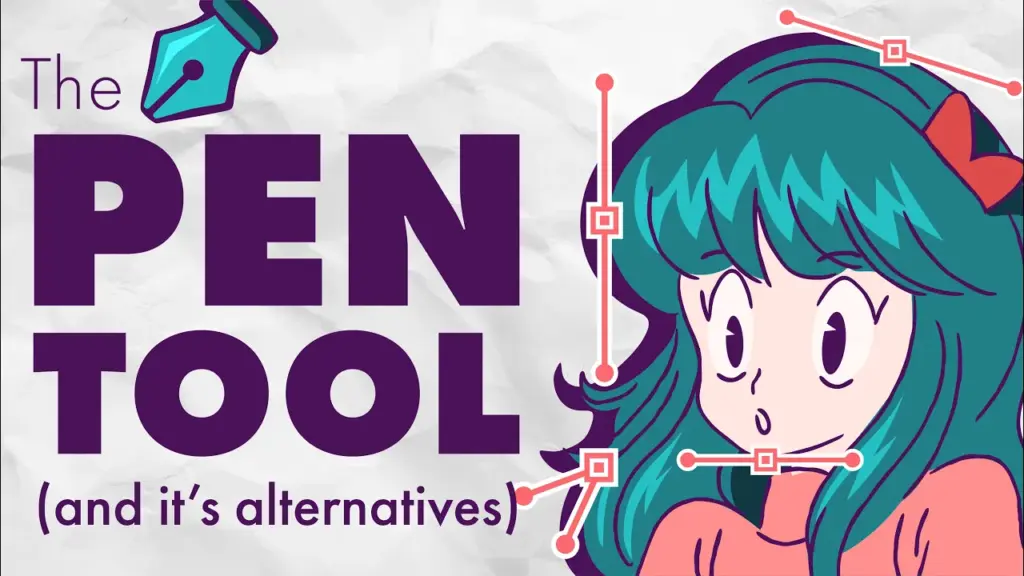
Learn Illustrator’s Pen Tool for straight lines, curves, anchor points, and clean shapes, plus when the Curvature or Pencil Tool is easier.
 Video + Guide
A practical After Effects texture lesson for making typography feel printed, embedded, animated, and naturally blended into paper.
 Video + Guide
Use Procreate Selection and Transform to move, resize, distort, and warp artwork. Compare selection modes, interpolation, snapping, and blur fixes.
 Video + Guide
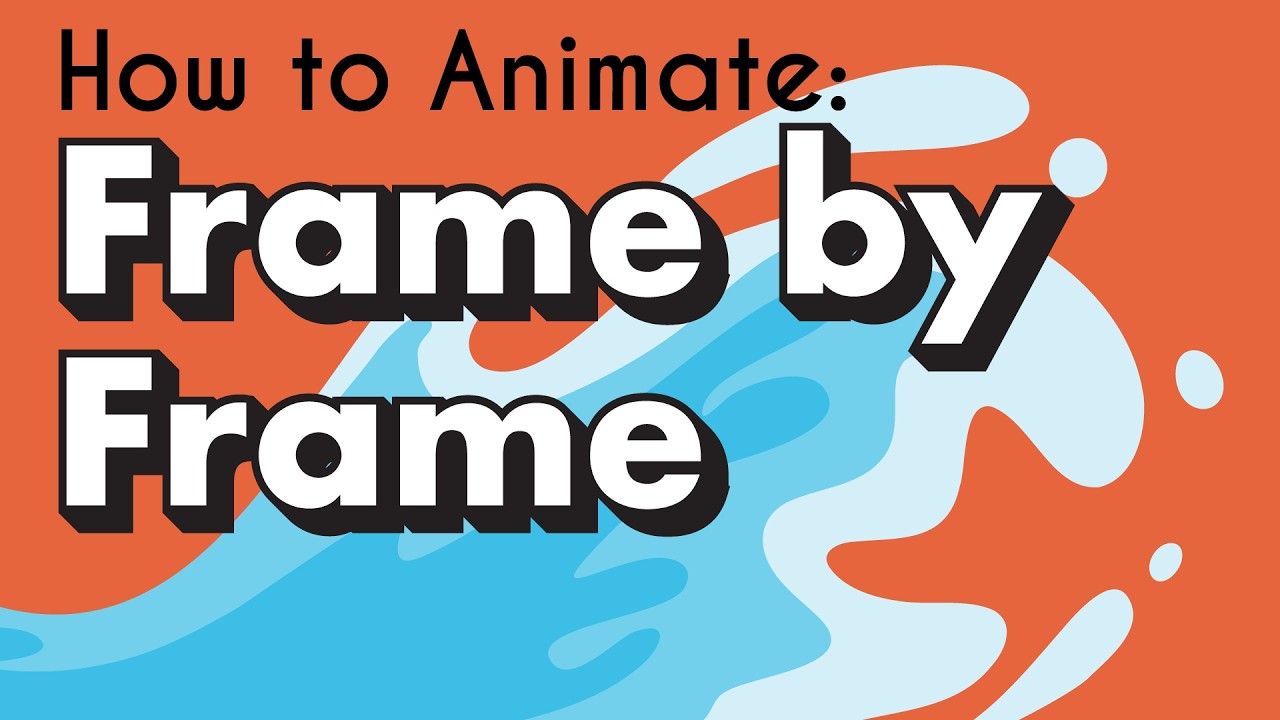
A frame-by-frame Procreate water animation guide covering timing, spacing, squash and stretch, droplets, and final shading polish.
 Video + Guide
Five less-common Illustrator workflow tips for faster vector drawing, cleaner paths, repeated transforms, and better layer control.
 Video + Guide
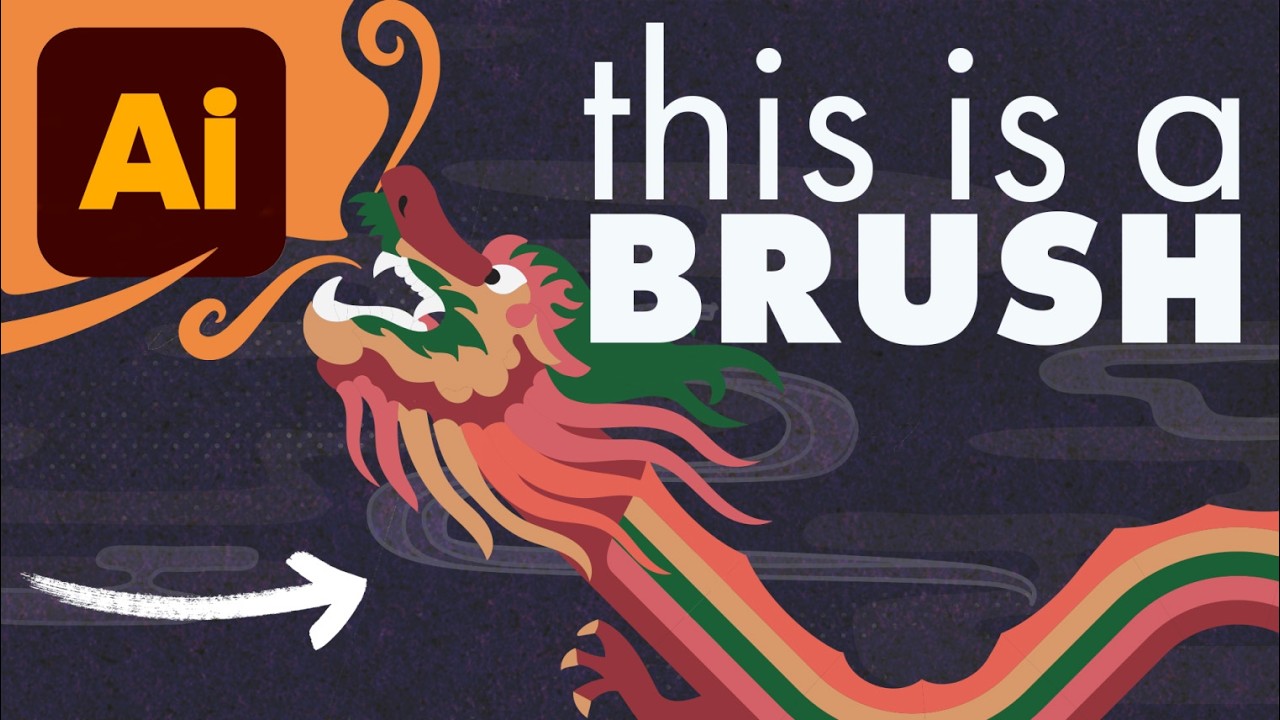
Create custom Illustrator pattern brushes for repeating artwork, character details, decorative borders, and paths that need to follow a drawn shape.
 Video + Guide
Learn Procreate touch shortcuts for undo, redo, layers, Alpha Lock, and QuickShape, with an illustrated gesture cheat sheet to keep nearby.
 Video + Guide
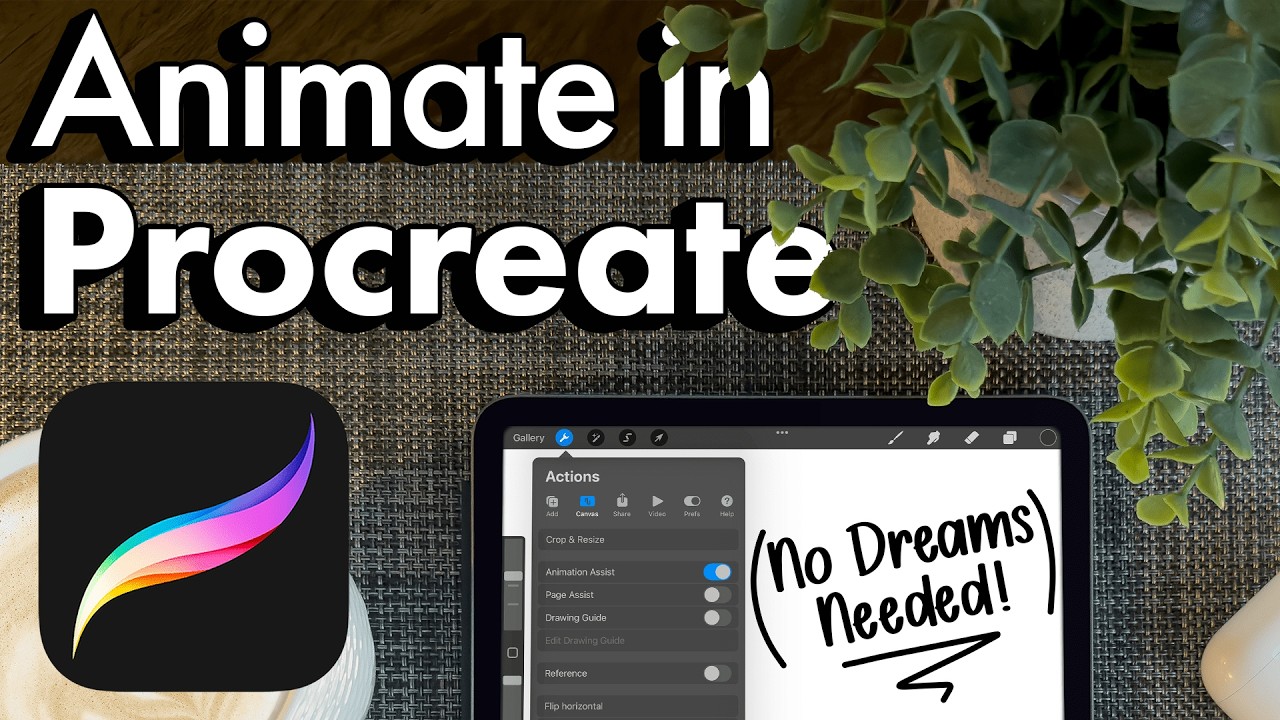
Make a frame-by-frame animation in Procreate with Animation Assist. Set up frames, onion skins, holds, playback, and GIF or video exports.
 Video + Guide
Animate stylized 2D smoke in After Effects using shape layers and built-in effects. Follow two methods, with settings and reusable precomps.
 Video + Guide
Compare paper-feel iPad screen protectors with drawing gloves: Apple Pencil grip, screen clarity, nib wear, and which problem each setup solves.
 Video + Guide
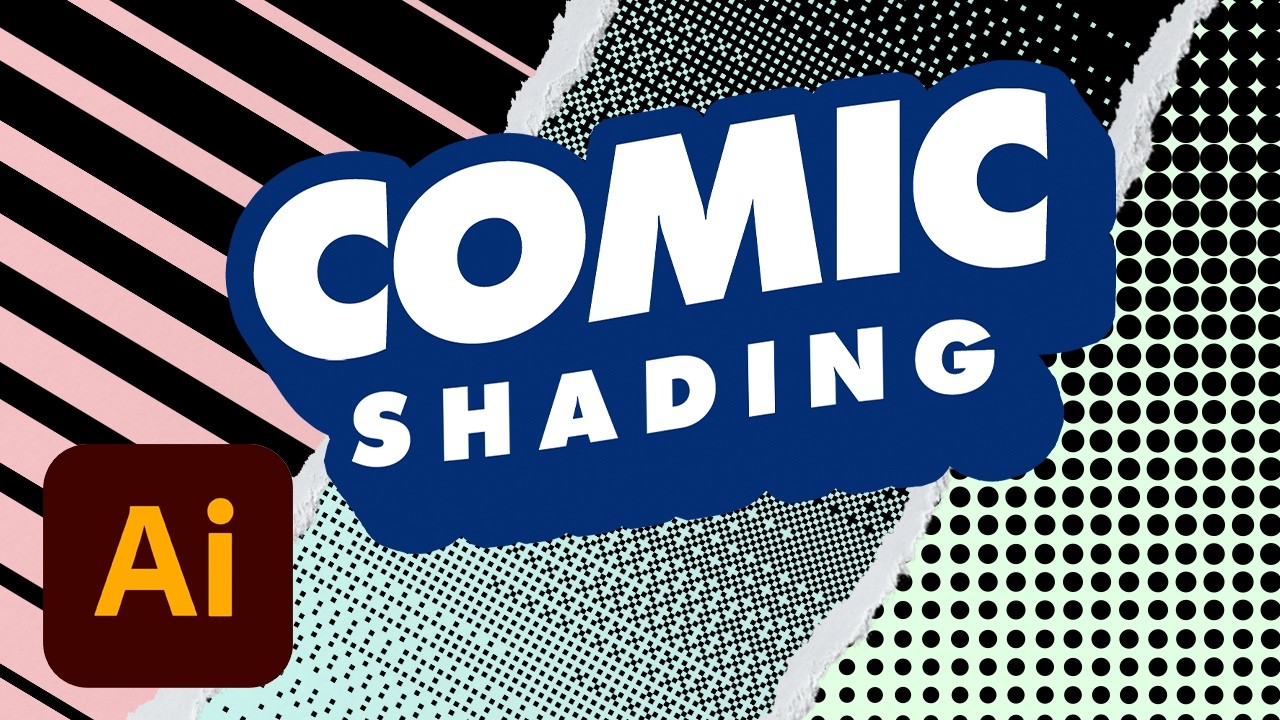
Make pixel halftones, comic dot shading, and blended vector lines in Illustrator. Follow the effect settings, Multiply blend mode, and clipping masks.
 Video + Guide
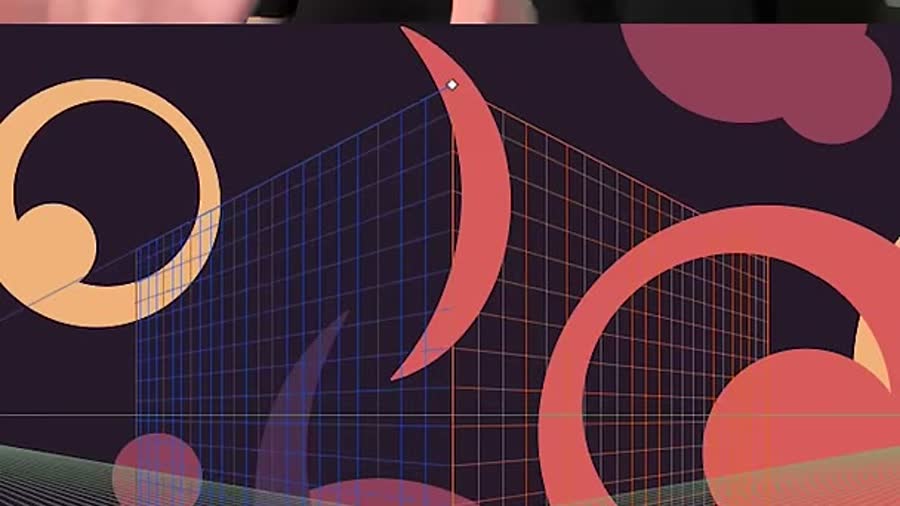
Hide Illustrator’s Perspective Grid with Cmd+Shift+I (Mac) or Ctrl+Shift+I (Windows). Reset its default view if the grid has been moved.
 Video + Guide
Start drawing in Procreate with a guide to canvas setup, brushes, layers, selections, masks, and gestures, then choose what to practice next.
 Video + Guide
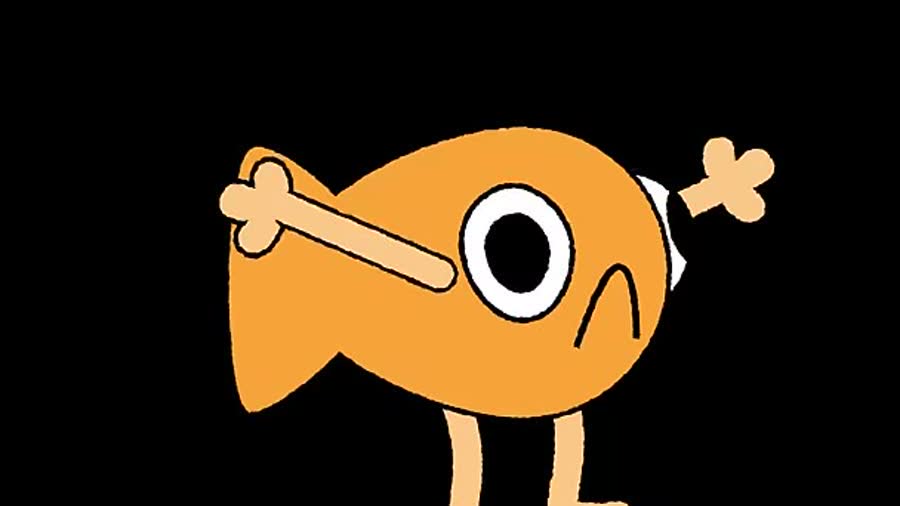
Rig simple arms and legs in After Effects with shape paths and Points Follow Nulls. Set bend direction, attach hands, and finish the outlines.
 Video + Guide
Separate skin texture from color in Photoshop, check Apply Image settings for 8-bit and 16-bit files, and retouch without flattening the face.
 Video + Guide
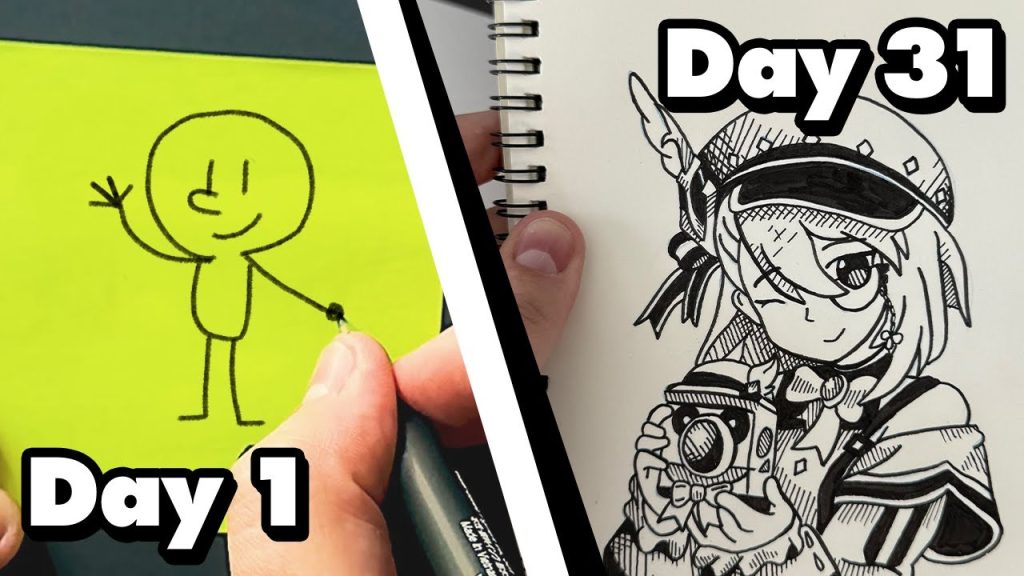
All 31 drawings from my Inktober 2024 sketchbook, the ink tools I used, and what finishing a drawing every day taught me about my own process.
 Video + Guide
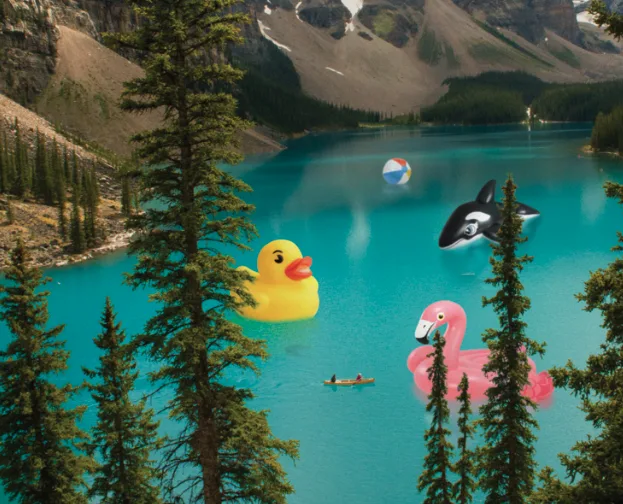
Place an object into a photo in Photoshop. Mask foreground details with Select and Mask, clean the edge with Levels, and add a water reflection.
 Video + Guide
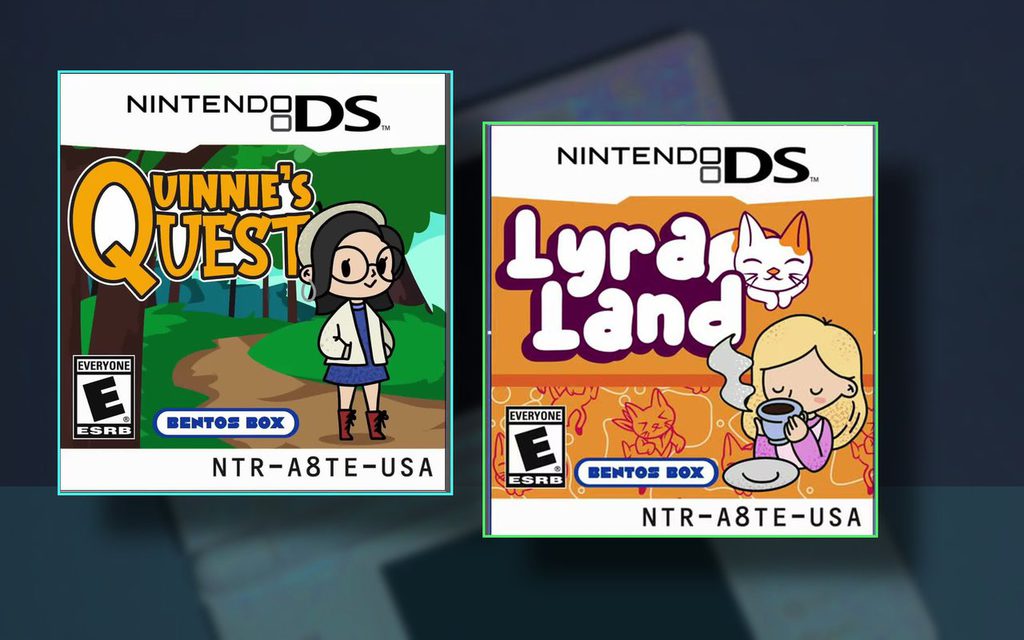
A nostalgic Nintendo gift idea: clean up used DS Lites, organize the childhood games they already owned, and design custom cartridge labels that make each handheld feel personal.
From Ben Lords
Workshop is where I collect the creative things I want to share. I share what I learn while designing, animating, taking photos, and building for games and the web. Some posts are tutorials, some are build logs, and some are just notes about what I’m learning as I go.
The name stuck because the work is practical and still in progress. I love sharing what I learn with other creative people, and my years as a college professor made that instinct stronger. This is where I can pass along useful lessons, build logs, notes, or resources for people who care about making things they actually enjoy.
Yes. Articles and guides are public and indexable. Bonus downloads may use an email signup later.
Some lessons will include YouTube companion videos, timestamps, and written guides.
I work across design, animation, photography, web, and marketing, and previously taught college design and animation courses where I wrote award-winning curriculum. Workshop draws from that mix of client work, teaching, and personal projects.