
Project details
 HTML5
HTML5 JavaScript
 Adobe Illustrator
 Adobe Photoshop
 Adobe After Effects
 Adobe Premiere Pro
- Education Platform UX/UIOrganized lessons, navigation, and progress for young coding students.
- Front-End Web DevelopmentBuilt HTML5 and JavaScript interactions for the online learning platform.
- Gamified Learning DesignUsed maps, badges, and course graphics to make progress visible.
- Educational IllustrationCreated characters, lesson art, and a visual system for the platform.
- Motion GraphicsMade animations that matched the platform’s adventurous visual style.
- Brand Identity DesignDeveloped the logo, color, character, and illustration direction for the learning platform.
The Platform
CodeChangers teaches coding through lessons, projects, and challenges. I worked on the platform's brand and interface direction, giving the material a visual language that younger students could recognize as they moved from one activity to the next.
That work covered lesson screens, characters, maps, badges, illustration, and motion. I also used HTML5 and JavaScript in the web work, alongside the design and video tools used to make the course assets.
Product and Learning Challenge
A new coding lesson can ask students to learn unfamiliar language and solve a problem at the same time. The screen needs to show where they are, what they have finished, and what comes next without turning the exercise into another set of instructions to decode.
I treated progress as part of the lesson structure. The map and badge system gave each activity a place in the larger course, while the lesson screens kept the immediate task in view.

Brand System and Interface Tone
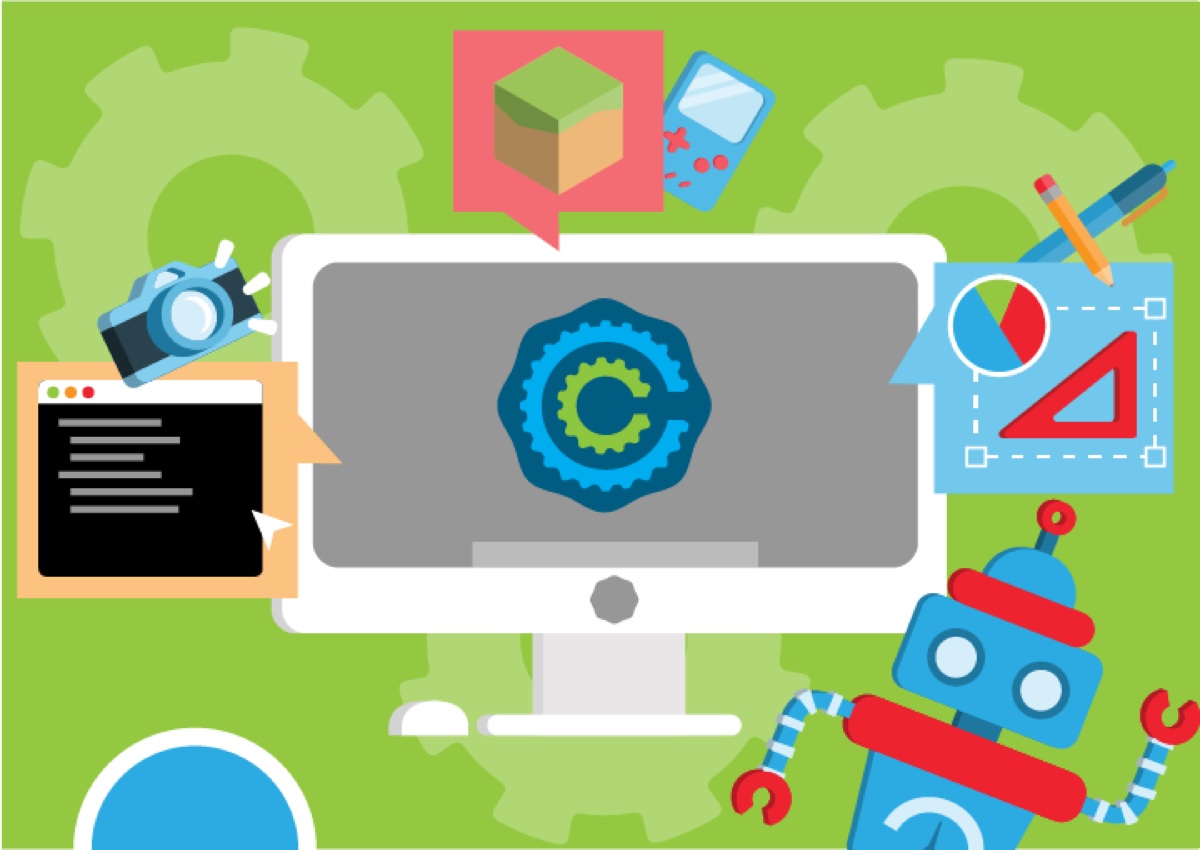
Bright colors and character art gave CodeChangers room to be playful. Maps and course graphics carried that same look into the platform, so the illustrations belonged to the learning experience rather than sitting beside it.
The interface still needed to work for a teacher finding a lesson and a student trying to finish one. I kept navigation and course labels direct, then let the characters, badges, and motion add energy around the task.

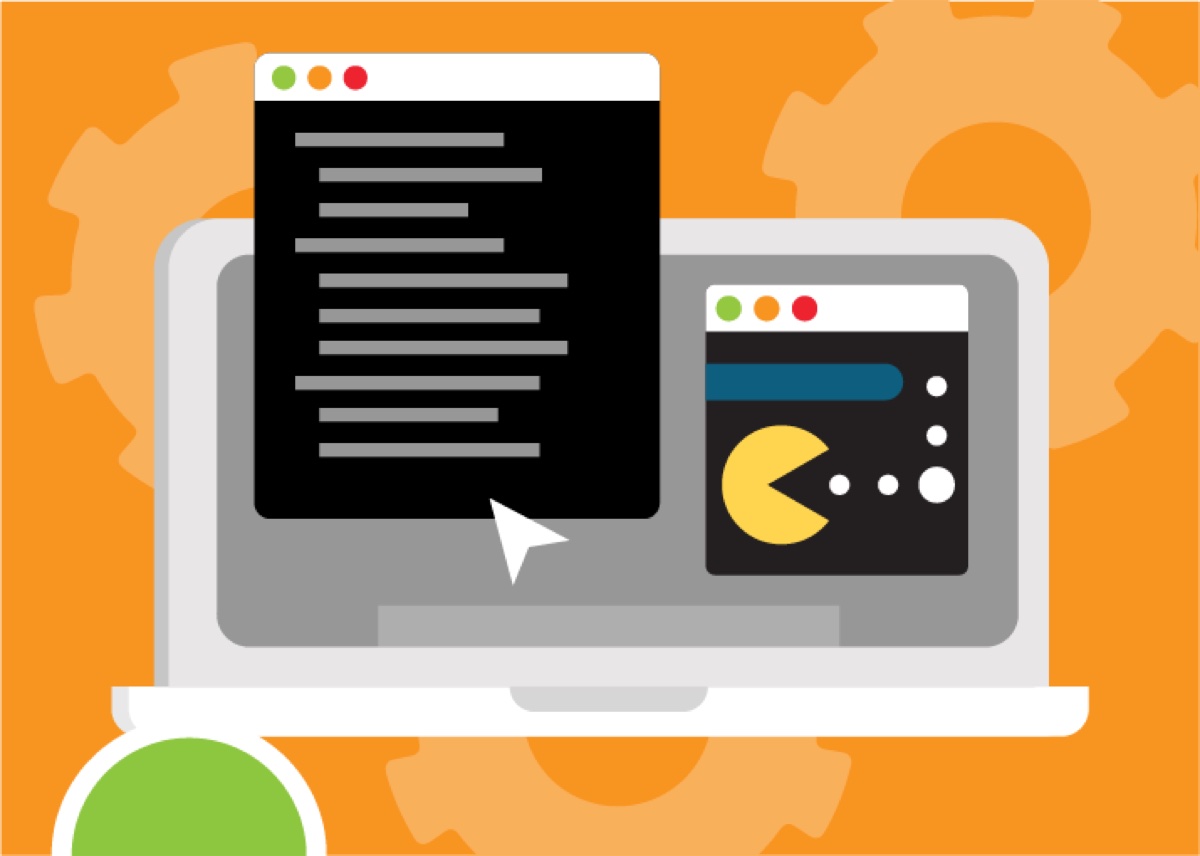
Gamified Curriculum Direction
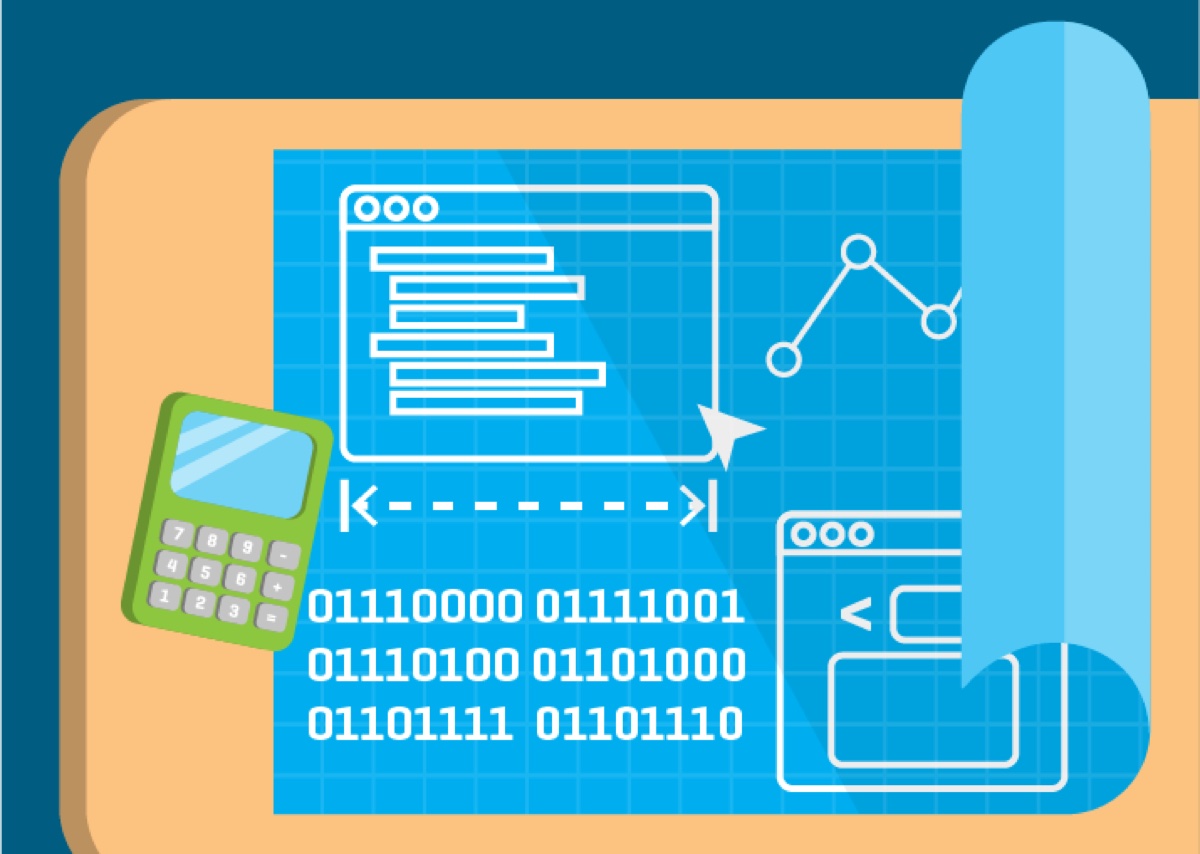
I designed map assets, sidequest graphics, badges, and lesson visuals to mark progress through the curriculum. A badge meant more when it pointed back to work a student had completed; the art helped make that progress visible.
Together, the interface and course assets gave CodeChangers a way to organize many small lessons into a route students could follow. The game language helped them see their progress without replacing the coding work itself.

Related Workshop Articles
More on the drawing and character movement that can give illustrated learning experiences their personality.
 Video + Guide
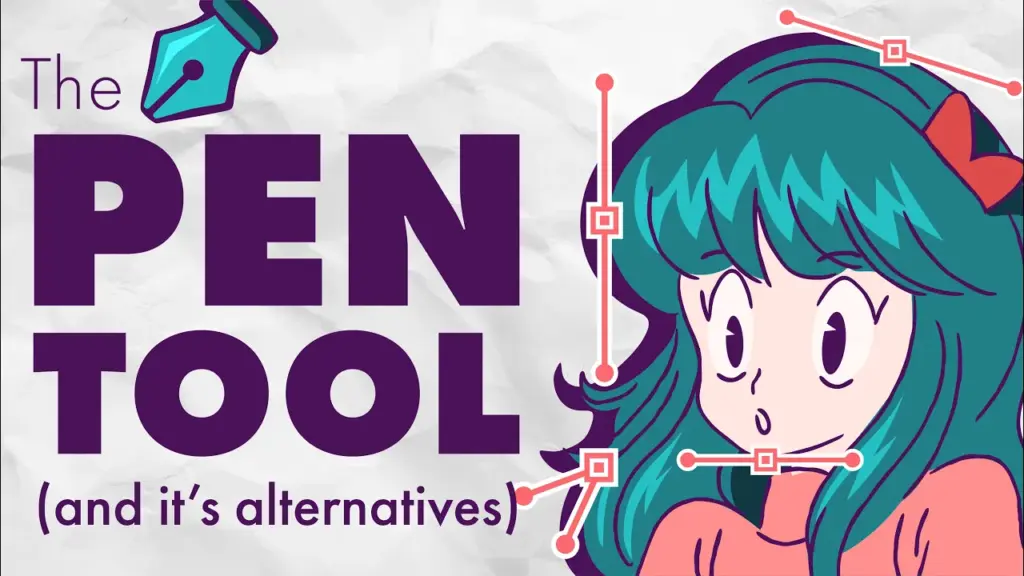
Illustrator Pen Tool: Lines, Curves, and Anchor Points
Learn Illustrator’s Pen Tool for straight lines, curves, anchor points, and clean shapes, plus when the Curvature or Pencil Tool is easier.
Video + Guide
Illustrator Pen Tool: Lines, Curves, and Anchor Points
Learn Illustrator’s Pen Tool for straight lines, curves, anchor points, and clean shapes, plus when the Curvature or Pencil Tool is easier.
 Video + Guide
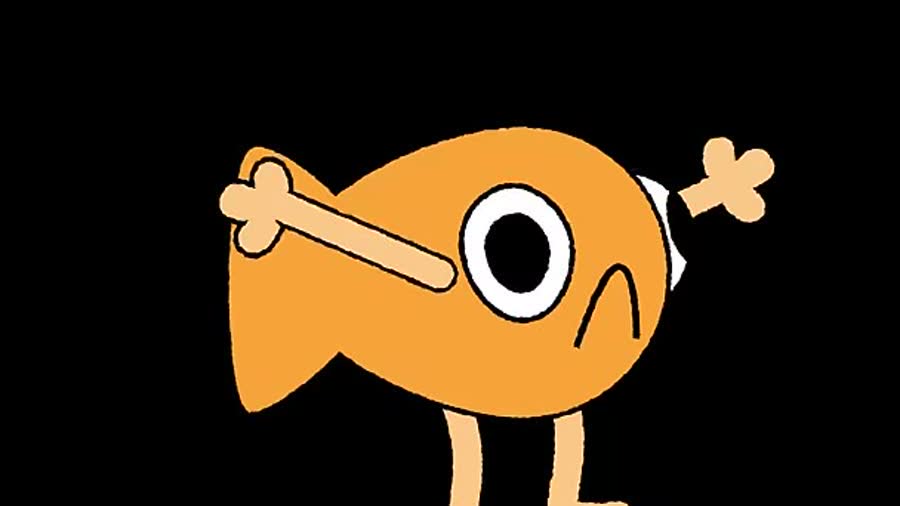
Rig Simple Limbs in After Effects with Paths and Nulls
Rig simple arms and legs in After Effects with shape paths and Points Follow Nulls. Set bend direction, attach hands, and finish the outlines.
Video + Guide
Rig Simple Limbs in After Effects with Paths and Nulls
Rig simple arms and legs in After Effects with shape paths and Points Follow Nulls. Set bend direction, attach hands, and finish the outlines.