Quick overview
My pick depends on the iPad
I would keep GhostPaper Air on my iPad mini for most note-taking and remove it for movies. On the iPad Pro I use for work, I prefer a clear screen and a drawing glove.
Why I wanted to try GhostPaper Air
GhostPaper Air looks slightly fuzzier than the other paper-feel protectors I have used, but it feels even more like paper. Because it is removable, I can choose between that texture and a clear screen.
GhostPaper provided these screen protectors for free. I was not paid for this video.
My guide to textured iPad screen protectors covers the broader choice between a textured surface and a glove.
Keep the texture until you want a clear screen
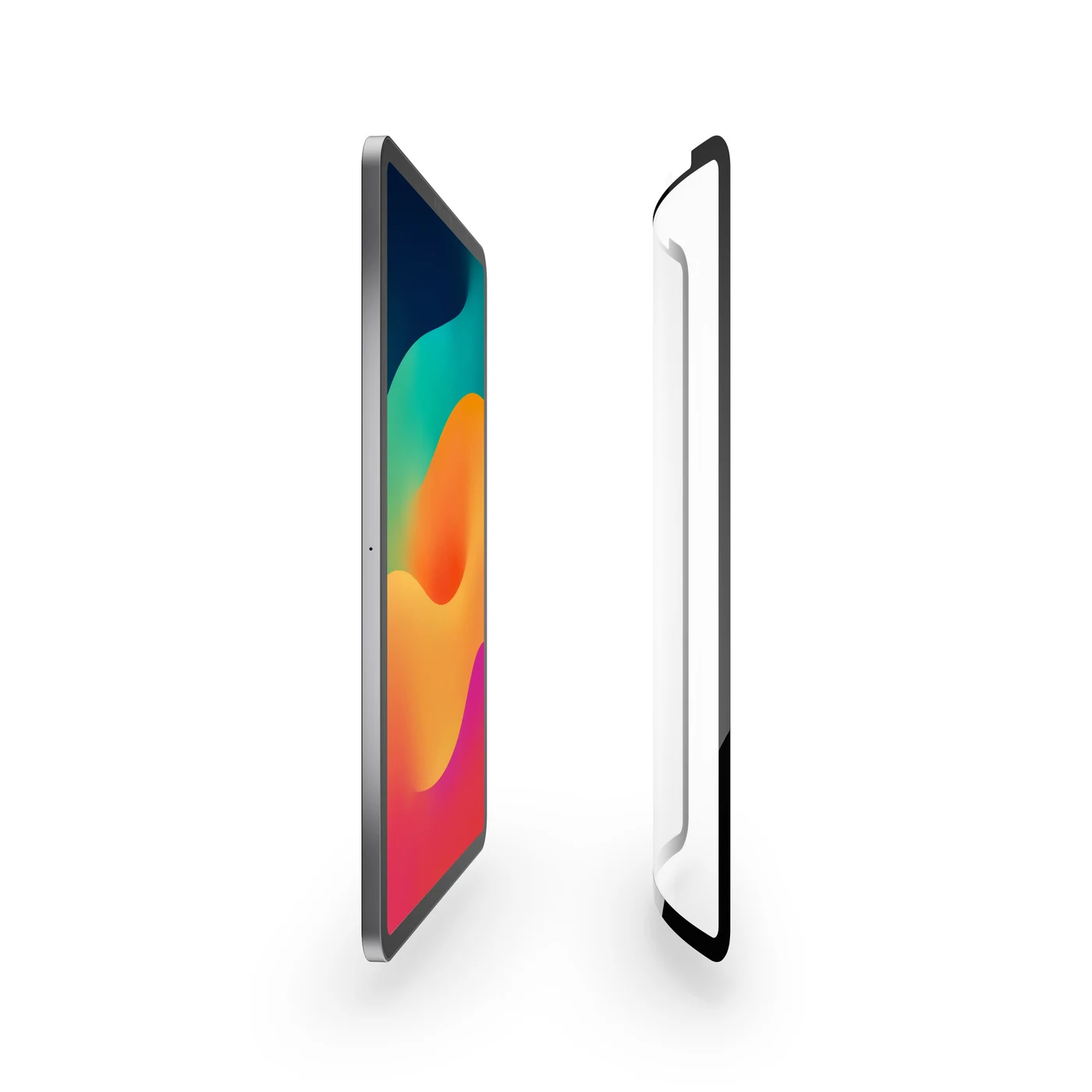
The process is to clean the iPad screen with the cloth, line up the sheet, and put it on. Lining it up is a little fiddly.
I do not need to remove it after every drawing session. The sheet can stay on while I want the texture, and I can lift it off when I want the clear screen back.
More paper feel, a slightly fuzzier screen
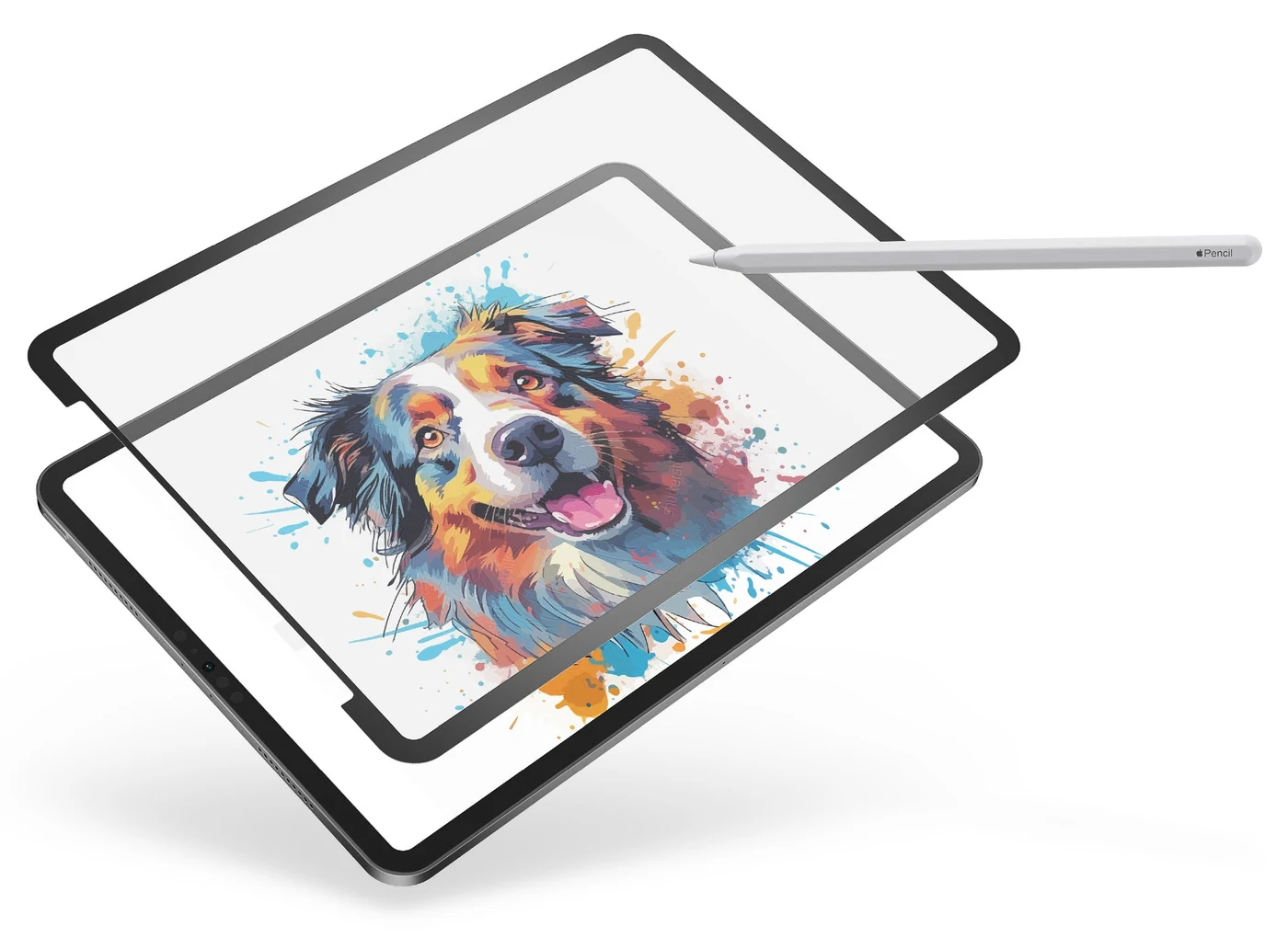
The other paper-feel protectors I have used look a little clearer while they are attached. GhostPaper Air has the stronger paper feel for me. My hand glides well across it, and I like that surface.
My impression is that the paper feel comes first here. That suits an iPad I mainly use for notes more than the one I use for work where screen clarity matters.
A drawing glove or a storage folder
On my iPad Pro, clarity matters more for my work, so I prefer a drawing glove. I can change how my hand moves across the glass without putting another layer over the display.
Either way, I have something to carry: the glove, or the sheet’s storage folder if I am frequently taking GhostPaper Air off. That is more awkward with the larger sheet.
I would keep it on my iPad mini
I would replace the mini’s permanent paper-feel protector with GhostPaper Air. I use the mini for note-taking, so I would leave the textured sheet on most of the time.
Even if I mostly keep it on, I prefer the removable option over a permanent paper-feel protector. When I want to watch a movie on a plane, I can take it off and put it in the folder.
The smaller sheet also looks easier to carry in my backpack than the large one.
GhostPaper Air questions
01Do I have to remove it after drawing?
No. I would leave it on my mini for most note-taking and remove it when I want a clear screen, such as for a movie.
02Does the screen stay completely clear with it attached?
No. I can still see the fuzziness while the sheet is attached.
03What would I carry with each option?
A drawing glove for my iPad Pro, or the sheet’s storage folder if I am frequently taking GhostPaper Air off. I would mostly leave it on my mini.