Design Tutorials
Graphic Design Tutorials and Creative Workflows
Practical tutorials for Adobe Illustrator, Procreate, Photoshop, digital drawing, composition, and faster design workflows.

Design Tutorials
Practical tutorials for Adobe Illustrator, Procreate, Photoshop, digital drawing, composition, and faster design workflows.
 Video + Guide
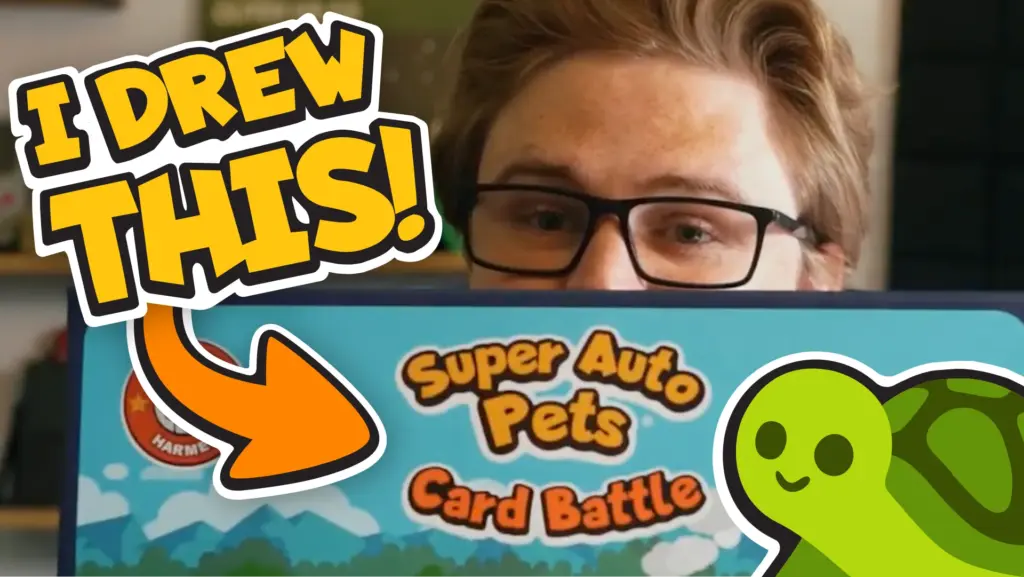
A first look at the Super Auto Pets board game, with stories from my time as Team Wood’s art director and the artwork that made it onto the cards.
 Video + Guide
Learn Illustrator’s Pen Tool for straight lines, curves, anchor points, and clean shapes, plus when the Curvature or Pencil Tool is easier.
 Video + Guide
Move a Procreate selection without resizing, expand or shrink its boundary, and reduce blur when scaling or rotating. Includes pixel-art and threshold tips.
 Video + Guide
Five less-common Illustrator workflow tips for faster vector drawing, cleaner paths, repeated transforms, and better layer control.
 Video + Guide
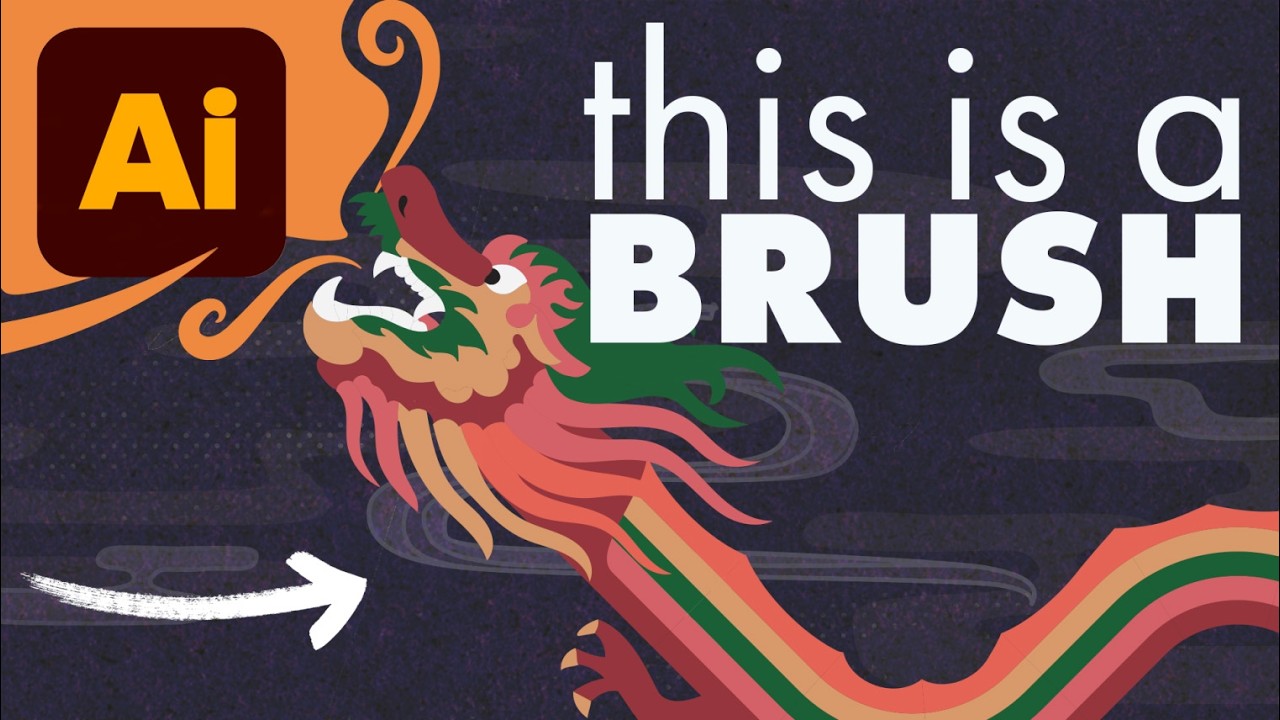
Create custom Illustrator pattern brushes for repeating artwork, character details, decorative borders, and paths that need to follow a drawn shape.
 Video + Guide
Learn Procreate touch shortcuts for undo, redo, layers, Alpha Lock, and QuickShape, with an illustrated gesture cheat sheet to keep nearby.
 Video + Guide
Make pixel halftones, comic dot shading, and blended vector lines in Illustrator. Follow the effect settings, Multiply blend mode, and clipping masks.
 Video + Guide
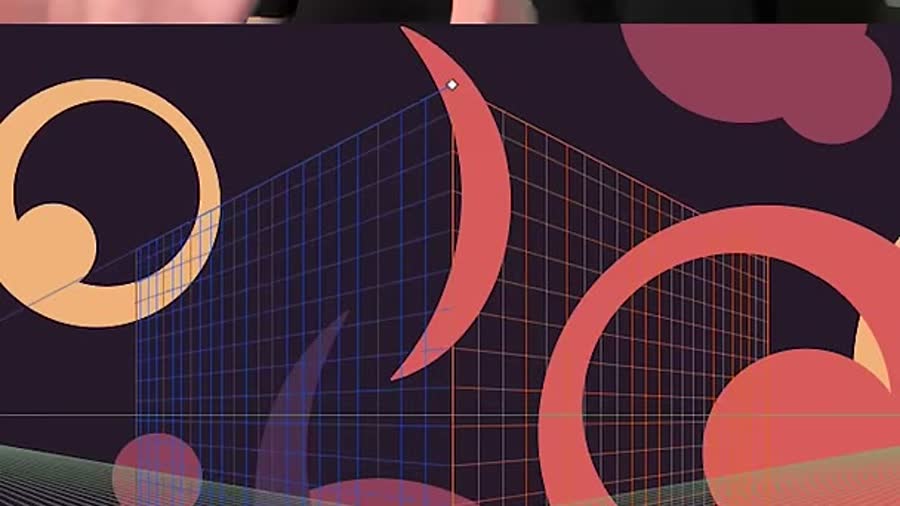
Reset Illustrator’s Perspective Grid to the default view, hide it with Mac or Windows shortcuts, and exit the tool when the X will not respond.
 Video + Guide
Start drawing in Procreate with a guide to canvas setup, brushes, layers, selections, masks, and gestures, then choose what to practice next.
 Video + Guide
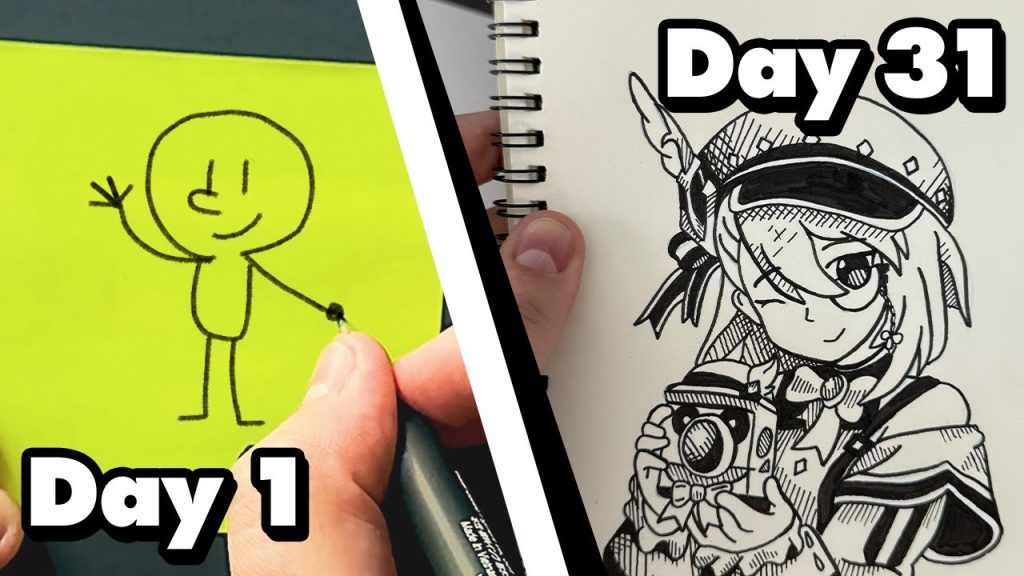
All 31 drawings from my Inktober 2024 sketchbook, the ink tools I used, and what finishing a drawing every day taught me about my own process.
 Video + Guide
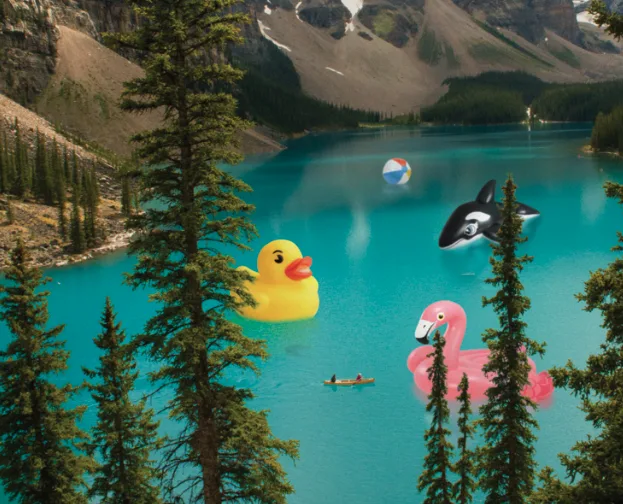
Place an object into a photo in Photoshop. Mask foreground details with Select and Mask, clean the edge with Levels, and add a water reflection.